
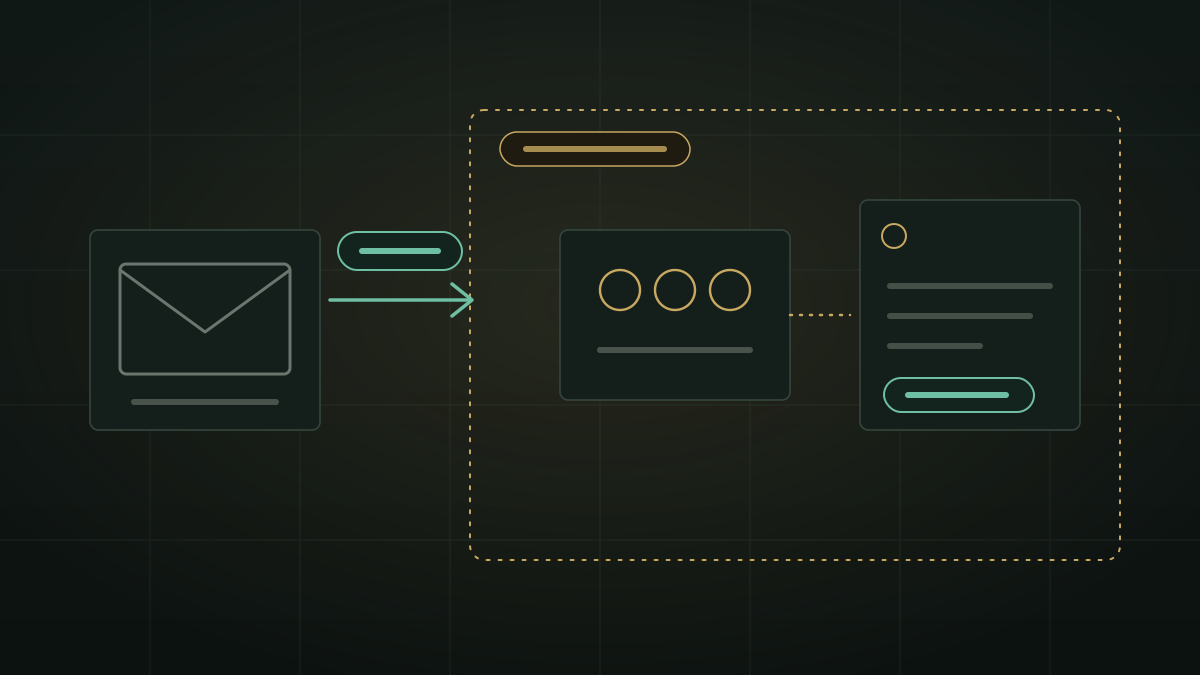
Many AI email assistants work by connecting to your mailbox and copying what they find to a service you do not run. For a company whose mail holds contracts, salaries and customer details, the real question is simple: where does the mail go when the AI reads it? Here is a design where the answer is short. The mail stays with your mail service, and the AI that reads it runs on your own server.
What “without the cloud” has to mean
When an AI reads email, mail can end up in three places. A copy in the assistant vendor’s storage or search index. A prompt sent to a hosted model run by someone else. And logs that keep fragments of both. A tool that avoids only one of these has not answered the question.
So “does it send my email to the cloud?” breaks into three plainer questions: is a copy kept, which models read it, and what is recorded. The rest of this post answers them for one design, so you can use the same three questions on any other.
How the ZenithAI connector handles each step
The XgenPlus Mail connector lets a ZenithAI chat read an XgenPlus mailbox. ZenithAI itself is deployed on your own infrastructure, with the controls described on the security page. The connector follows the MCP standard, which the next post in this series explains. Here is the path of one question, such as find the email from the bank about the loan.
| Step | What happens | Where it happens |
|---|---|---|
| 1. Connect | You paste the agent token that XgenPlus Webmail shows into Settings, then attach XgenPlus Mail to a chat | The token is stored encrypted on your organisation’s ZenithAI server |
| 2. Ask | You ask in plain words. The chat answers on the Smart or Genius tier, with web search off for these messages | Your ZenithAI server |
| 3. Read | The chat calls read tools such as search mail or read a message, at most 12 calls per answer, at most 20,000 characters back from one tool | The tool reads from your mailbox at XgenPlus, on request |
| 4. Answer | ZenithAI’s own models write the answer from what the tools returned. If a tool fails, the chat says so rather than answering from memory | Your ZenithAI server; the answer is kept in your chat history |
| 5. Record | The server records which tool ran and when, not the text of your mail | Your ZenithAI server |
No mailbox copy is made for this connector. It reads on request, and what a tool returns appears in your chat like any other answer. Disconnect deletes the stored token and your tool settings from ZenithAI. To cut access at the mail service too, pause or delete the agent in XgenPlus Webmail, and it takes effect in about 10 seconds.
Two ways to put AI on email
ZenithAI has two email features, built for different jobs. Choosing the wrong one is the usual mistake.
| XgenPlus Mail connector | AI Inbox | |
|---|---|---|
| Best for | Asking questions about mail, contacts and calendar in a normal chat | Working through an inbox: sorted folders, an AI brief per email, drafted replies |
| Mail services | XgenPlus | Your organisation’s mail, or other mail servers that accept a password or app password over IMAP and SMTP |
| Copy kept on your server | None | Last 30 days, up to 2,000 messages |
| Sends or drafts | Never | Drafts replies you check and send; nothing sends without your confirmation |
| Calendar and contacts | Yes | No |
Read the AI Inbox guide if you want the second. Neither sends mail by itself.
What it will not do
- Search inside email bodies. Search covers sender, recipients and subject.
- Read attachments. PDFs and other non-text attachments are not read. Separately, if you attach a file to your own chat message, the connector is not used for that message.
- Send, draft, reply, forward, move, mark or delete. Tools that could change mail are listed in Settings but are never offered to the chat.
- Browse the web in the same message. Web search is off while XgenPlus Mail is attached.
- Be perfectly right. A language model can misread a message. Check any amount or date in the email itself.
When another approach fits better
- Your mail is on Gmail or Microsoft 365. ZenithAI cannot connect to those today. AI Inbox shows them but they cannot be chosen yet.
- You want the AI to write and send replies. The connector never does. AI Inbox drafts replies for you to check and send.
- You need to search message bodies or attachments. Use your mail service’s own search for those.
- Your mail holds nothing sensitive and you do not need to host anything. A hosted assistant may be quicker to start. The trade is the three questions above, answered by someone else.
If the question that worries your compliance team is personal data in mailboxes, read the DPDP checklist for AI email assistants. For the wider picture of where documents go when you ask AI, see Where Do Your Documents Go When You Ask AI?.
Availability
The XgenPlus Mail connector went live on our servers on 31 October 2026. It is not in installer 4.6.0 and comes with the next installer. A server gets it when it is updated and the administrator switches it on. AI Inbox, mentioned here, is also not in installer 4.6.0.
Questions
Can an AI assistant read my company email without sending it to the cloud?
Yes, if the model runs on your own server and reads mail only on request. With the ZenithAI XgenPlus Mail connector, ZenithAI's own models on your organisation's server read the mail, no mailbox copy is kept, and it is read only. The mail itself stays hosted at XgenPlus.
Does ZenithAI keep a copy of my mailbox?
Not for the XgenPlus Mail connector. It reads on request during a chat, and what a tool returns appears in your chat history like any answer. AI Inbox is different: it keeps the last 30 days of mail, up to 2,000 messages, on your own server.
Can the AI send or delete my email?
No. In ZenithAI chat the XgenPlus Mail connector is read only. It cannot send mail, save drafts, reply, forward, move, mark or delete messages. Tools that could change mail are listed in Settings but are never offered to the chat.
Does the connector work with Gmail or Outlook?
Not today. The connector is for XgenPlus mailboxes. AI Inbox lists Gmail and Microsoft 365 but they cannot be chosen yet. AI Inbox works with mail servers that accept a password or app password over IMAP and SMTP, including your organisation's own mail server. Services that need OAuth sign-in are not yet supported.
Can the AI search inside email bodies or attachments?
No. Search covers sender, recipients and subject. Attachments that are not text are not read. If you attach a file to your own chat message, the connector is not used for that message. Use your mail service's own search for body text.
To see this on your own mailbox questions, request a demonstration, or get in touch.